A popup app shows targeted messages, offers and forms to store visitors. Merchants use them to collect emails, promote products and recover sales. This article describes five tools: Peloran, Privy, OptiMonk, Wisepops and Poptin. Peloran publishes this article, so read it with that in mind. The vendor descriptions follow each vendor's own public positioning as of November 2026. Prices, ratings and features change, so we do not quote them here. Check each vendor's website before you decide.
Key takeaways
- Popup tools differ in what surrounds the popup: email and SMS, AI-assisted creation, exit-intent campaigns, or journeys and measurement.
- Peloran runs popups, top bars and notification boxes inside journeys that can target by behavior and customer data, with A/B tests of up to four variants.
- Compare price and features on each vendor's own page, because a table in an article goes stale.
What a popup automation app does
A popup automation app shows a message when a rule is met: an exit intent, time on the page, a returning visitor or a segment. The simplest tools show the same popup to everyone. More advanced ones add segmentation, A/B testing and analytics, so each visitor sees something relevant and you can see what worked.
Peloran
- Surfaces: Popups, top bars and notification boxes. Popups support image and text layouts, text-only layouts, subscription and coupon campaigns, and spin-wheel campaigns.
- Targeting: Popups are tied to journeys, so conditions can include behavior, total purchases, customer lifetime value and session duration.
- Testing and outcomes: A/B tests of up to four variants. Peloran records whether a popup was shown, dismissed or clicked.
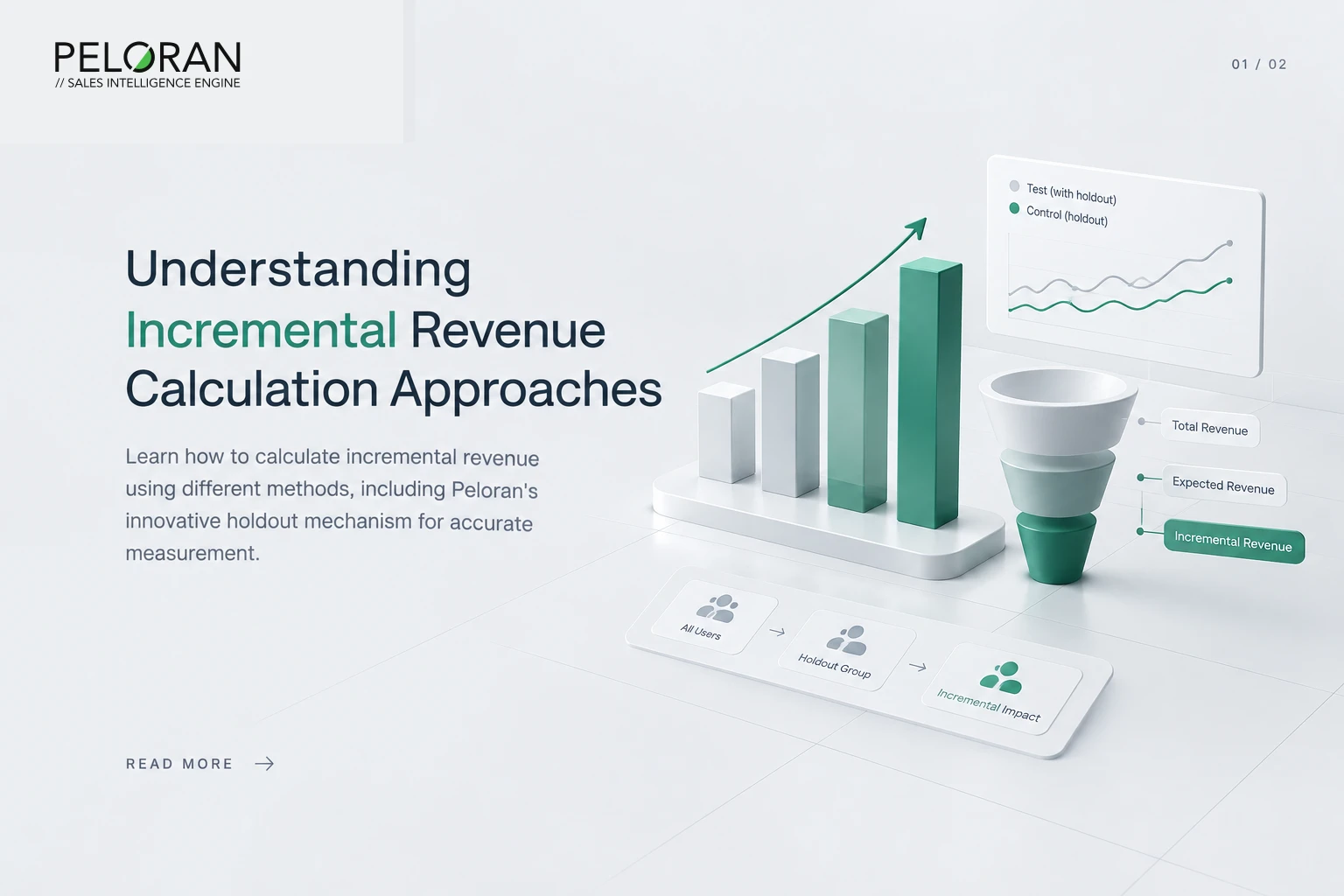
- Measurement: Journeys can run against a holdout group, which shows the revenue a popup added. See the incremental revenue guide.
The other four
- Privy: Popups together with email and SMS marketing in one product.
- OptiMonk: A popup and on-site personalization tool that offers AI-assisted creation and A/B testing.
- Wisepops: A popup builder with exit-intent and discount campaigns and A/B testing.
- Poptin: A popup builder with exit-intent and discount popups and analytics.
How to compare them
- What the popup must do: capture emails, show an offer, recover a cart or announce something.
- How deep the targeting goes: page rules only, or behavior and customer data.
- How testing works and how many variants you can run.
- How results are measured: clicks and attributed orders, or a holdout group.
- The price at your own traffic level, on the vendor's pricing page.
When another tool is the better fit
- You only need a simple email capture form and want it live today.
- You already use a tool for email and SMS and want its popups next to it.
- AI-assisted popup creation is the thing you care about most.
Measuring what a popup adds
A popup gets credit for the orders that followed it, including orders from visitors who were about to buy anyway. A holdout group, a random share of visitors who never see the popup, shows the difference. The incremental revenue guide explains how to read it.
Frequently asked questions
Which popup app is best for Shopify?
It depends on the job. A simple form builder, a tool bundled with email and SMS and a journey-based tool solve different problems. Use the comparison points above and test with a holdout.
Why does this article not list prices?
Prices and plan limits change often and depend on your traffic. The vendor's own pricing page is the reliable source.
Where do the vendor descriptions come from?
From each vendor's public positioning as of November 2026. If something is out of date, write to support@peloran.com and we will correct it.